
Free Floral iPad Wallpaper | Watercolor Floral Phone & Desktop Wallpaper
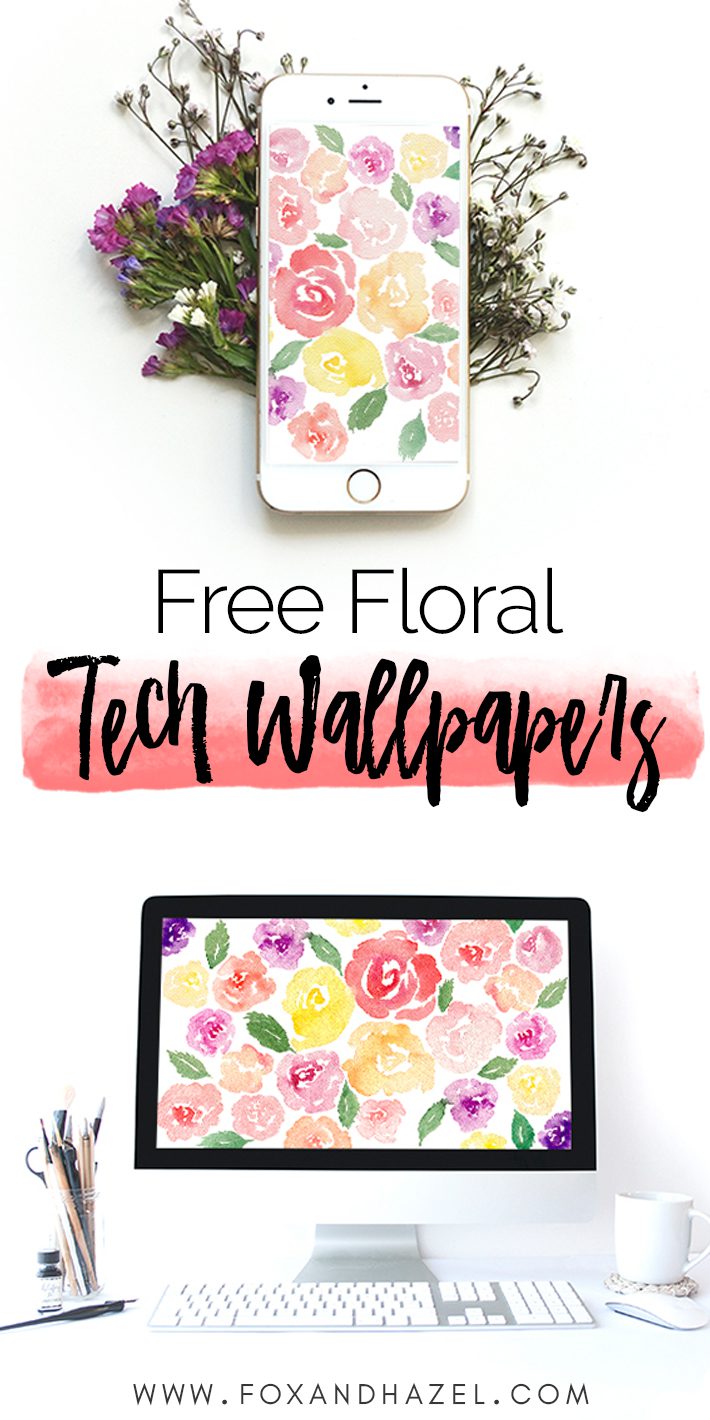
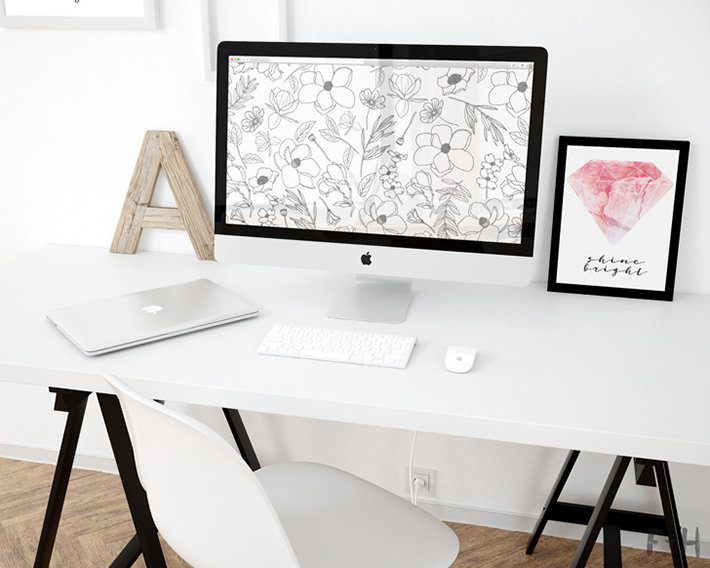
If you’ve been looking for a free floral iPad wallpaper that feels a little more special than your average stock image, you’re in the right place! I painted these watercolor flowers and honestly loved them so much. I just had to turn them into a free wallpaper for all your devices!
Because let’s be real – staring at a beautiful watercolor floral phone wallpaper all day is so much better than a plain default screen. I’m a self-confessed plant killer (RIP to every succulent I’ve ever owned) so having gorgeous flowers on my devices is basically the next best thing to keeping them alive in real life. And hey, at least these ones won’t wilt!
About This Free Floral iPad Wallpaper
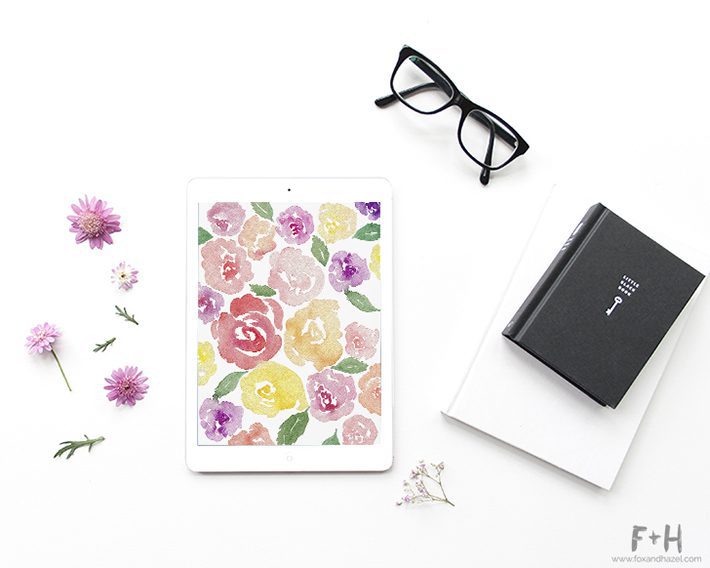
This free floral iPad wallpaper features hand-painted watercolor flowers in soft, dreamy tones – perfect for adding a little beauty to your screen without it feeling overdone. Whether you use it as a home screen or a lock screen, this floral iPad background looks gorgeous on any device. Adding a pretty wallpaper to your phone or tablet is honestly one of the easiest little pick-me-ups out there. Who doesn’t love unlocking their screen to a burst of colour?
What Devices Is This Watercolor Floral Wallpaper Available For?
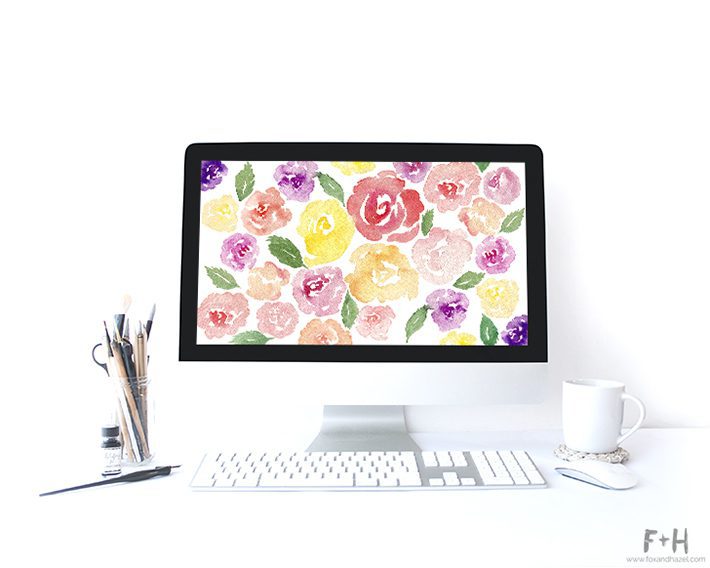
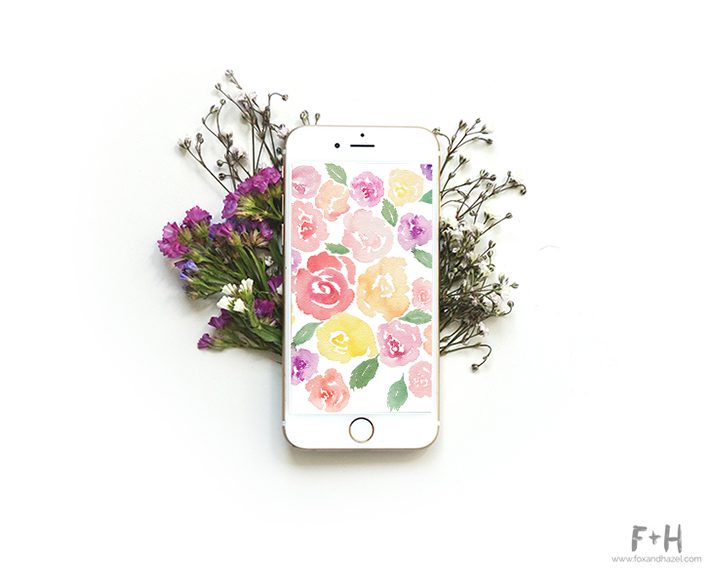
Good news – this free floral wallpaper comes in four sizes so you can use it across all your devices! Here’s a full breakdown of what’s available:
- iPad – optimized for your floral iPad background
- iPhone – fits perfectly on your home or lock screen
- Android – fits most Android phone screens
- Desktop – great as a free floral desktop wallpaper on your laptop or computer
Just click the download link for the size you need and save it straight to your device!
Download Your Free Floral Wallpaper
Ready to pretty up your screen? Click the download links below for your free floral iPad wallpaper and matching device sizes!
These files are for personal use only. Please don’t redistribute – if you love them, link back to this post instead!
How to Set Your Free Floral iPad Wallpaper
Never changed your wallpaper before? No worries – it’s super easy!
On iPad or iPhone: Save the image to your Photos app, then go to Settings -> Wallpaper -> Choose a New Wallpaper -> select the image from your Photos and set it as your home screen, lock screen, or both!
On Android: Save the image to your gallery, then long press your home screen -> Wallpapers -> select the image from your gallery.
On Desktop: Save the image to your computer, then right click the image -> Set as Desktop Background. Done! Once you’ve got it set up, you’re all done – enjoy your beautiful new screen!
I really hope this free floral iPad wallpaper brings a little bit of joy to your screen every time you pick up your device! And if you’re loving the watercolor floral phone wallpaper vibe, make sure you check out my other free floral desktop wallpaper and phone downloads linked below – there are plenty more pretty ones waiting for you!

3 Comments
CuppyKAYEk
May 28, 2017 at 6:40 pm
Beautiful and inspiring work! 🙂 Thank you for the freebies!
Torrie Lynn
May 28, 2017 at 7:34 pm
You’re very welcome!
Karen
February 1, 2017 at 10:25 pm
Thank You!